Introduction
Businesses often lose valuable time on repetitive tasks, manual data entry, follow-ups, approvals, and routine communication. When these activities are handled manually, even a small process can become difficult to manage as the business grows.
Workflow automation helps businesses organize these processes and reduce unnecessary manual work. Instead of employees repeatedly performing the same steps, automation can move information between systems, trigger actions, send notifications, and keep processes moving according to defined rules.
What Is Workflow Automation?
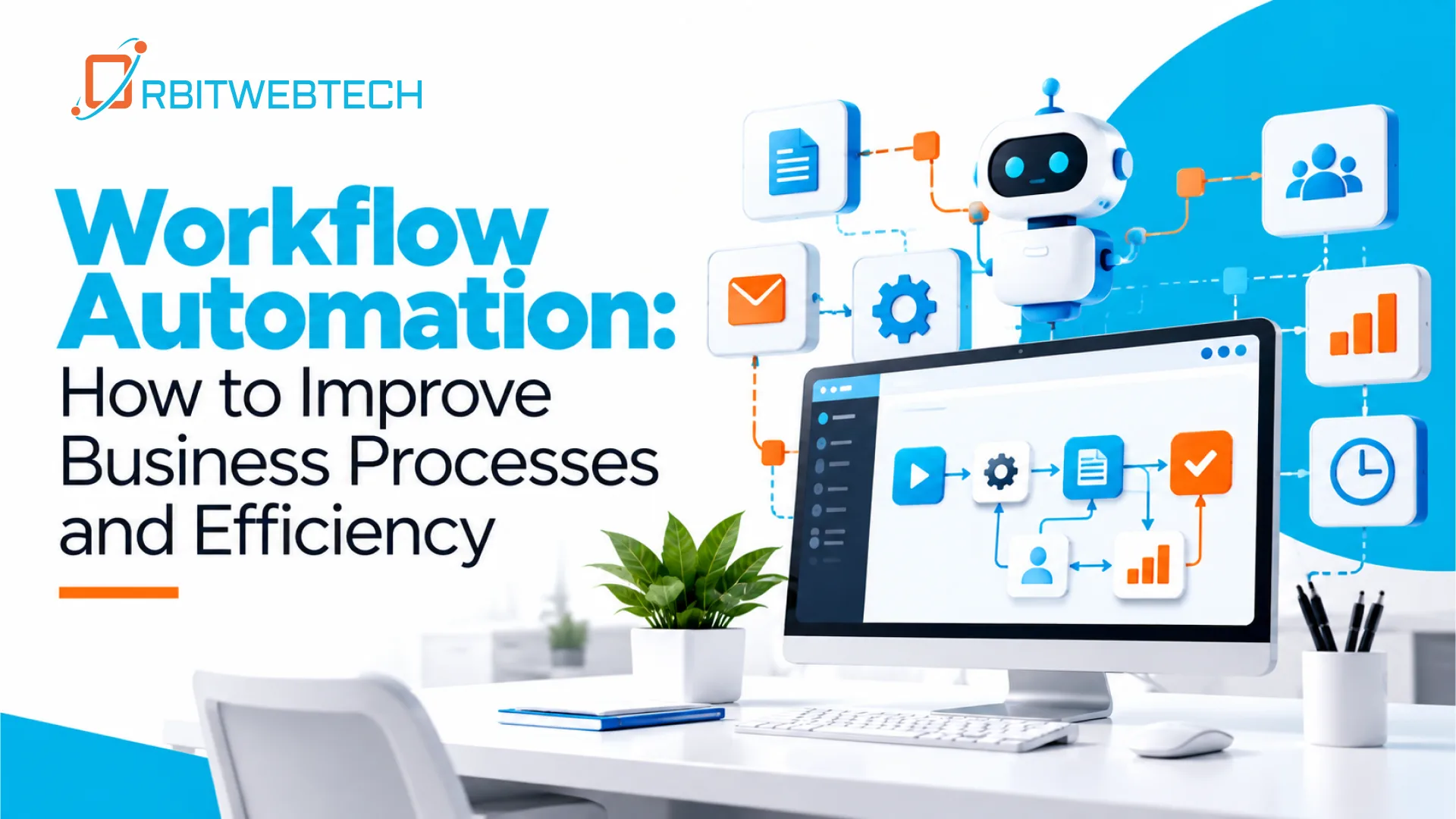
Workflow automation is the use of software to automate a series of connected business tasks. A workflow usually starts when a specific event occurs and then follows a predefined sequence of actions.
For example, when a customer submits an enquiry, an automated workflow could:
- Record the enquiry in a CRM
- Notify the appropriate team member
- Send an acknowledgement to the customer
- Create a follow-up task
- Update the enquiry status
- Store relevant information for future reference
The goal is not to remove people from the process. It is to reduce repetitive work so employees can spend more time on tasks that require judgment, communication, and decision-making.
How Workflow Automation Improves Business Processes
Effective automation starts by understanding how work is currently being done. Businesses can then identify repetitive or time-consuming steps that can be handled by software.
1. Reduce Repetitive Manual Work
Employees often spend hours performing routine activities such as copying information between systems, creating reports, sending reminders, or updating records.
Automating these tasks can reduce unnecessary manual effort while allowing employees to focus on more valuable responsibilities.
2. Improve Process Consistency
Manual processes can vary depending on who performs a task. This can result in missed steps, incomplete records, or inconsistent communication.
A defined automated workflow follows the same rules each time. This creates a more consistent way of handling recurring business processes.
3. Reduce Human Errors
Manual data entry and repetitive tasks can lead to mistakes. A misplaced value, missed notification, or incorrect status can affect the next stage of a process.
Workflow automation can perform predefined actions automatically and reduce errors caused by repetitive manual handling.
4. Speed Up Approvals and Follow-Ups
Some business processes slow down because a task is waiting for an approval, response, or follow-up.
Automated notifications and task assignments can help the right person know what needs attention and when. This can make internal processes easier to track and manage.
5. Make Business Processes Easier to Track
When processes are handled through emails, spreadsheets, and separate systems, it can be difficult to understand the current status of work.
An automated workflow can record important actions and status changes, giving teams a clearer view of where a process currently stands.
Common Business Processes That Can Be Automated
Workflow automation can be applied to many areas of a business. The right opportunities depend on the company’s existing processes and software.
Some common examples include:
- Customer Enquiries
New enquiries can automatically be recorded, assigned to a team member, and followed up according to predefined rules.
- Sales Processes
Automation can help manage lead assignment, follow-up reminders, customer records, and sales-stage updates.
- Employee Onboarding
New employee workflows can trigger tasks for HR, IT, managers, and other departments so that required steps are easier to coordinate.
- Invoicing and Approvals
Businesses can automate invoice notifications, approval requests, payment reminders, and status updates.
- Reporting
Instead of manually collecting information from different sources, automated workflows can gather and organize data for recurring reports.
- Customer Support
Support requests can be categorized, assigned, escalated, and updated based on predefined workflow rules.
Workflow Automation and Business Process Automation
Workflow automation and business process automation are closely related, but they are not always the same.
Workflow automation generally focuses on automating a defined sequence of tasks. Business process automation takes a broader view of an entire business process and looks at how different activities, systems, and teams work together.
For example, automating a customer enquiry notification is a workflow automation task. Automating the complete process from enquiry submission through qualification, assignment, follow-up, and reporting is a broader business process automation approach.
Both can help businesses reduce manual work and create more structured processes.
How to Identify Processes That Should Be Automated
Not every task needs automation. A good starting point is to look for processes that are:
- Repeated frequently
- Time-consuming
- Dependent on manual data entry
- Prone to human error
- Based on clear rules
- Involving multiple people or departments
- Dependent on regular reminders or approvals
- Difficult to track manually
Businesses should first understand the existing process before deciding how to automate it. Automating an inefficient process without reviewing it can simply make the same problem happen faster.
Steps to Implement Workflow Automation
A practical workflow automation project can follow these steps:
Step 1: Map the Existing Process
Document each step from the beginning of the process to the outcome. Identify who performs each task and which systems are involved.
Step 2: Find Bottlenecks
Look for unnecessary approvals, repeated data entry, delays, duplicate work, and tasks that frequently require manual follow-up.
Step 3: Select Suitable Automation Opportunities
Start with processes that are repetitive, clearly defined, and likely to provide measurable benefits.
Step 4: Connect the Required Systems
Depending on the process, automation may need to work with CRM platforms, accounting software, databases, websites, internal applications, or other business tools.
Step 5: Test the Workflow
Test different scenarios before making the workflow part of daily operations. This helps identify missing conditions, incorrect notifications, or unexpected outcomes.
Step 6: Monitor and Improve
Business processes change over time. Automated workflows should be reviewed regularly to ensure they still match the way the business operates.
Workflow Automation for Growing Businesses
As a business grows, the number of customers, employees, transactions, and internal processes usually increases. Processes that were manageable manually can become difficult to maintain.
Workflow automation provides a way to structure recurring activities without requiring employees to manually coordinate every step.
For growing businesses, automation can support areas such as customer management, internal approvals, reporting, task management, data processing, and communication.
The best approach is to automate specific processes where there is a clear operational benefit rather than trying to automate everything at once.
Custom Workflow Automation Solutions
Every business has its own processes. Off-the-shelf automation tools may work well for common tasks, but some businesses need workflows that match their existing applications and operational requirements.
Custom workflow automation can be designed around a company’s specific processes, including custom rules, integrations, databases, dashboards, and internal applications.
At Orbitwebtech, we develop software solutions that can help businesses organize and automate processes according to their operational needs. Our approach focuses on understanding how your business works first, then building the technology around those requirements.
Build More Efficient Business Processes
Workflow automation can help businesses reduce repetitive work, improve consistency, minimize manual errors, and make processes easier to monitor.
The most effective automation is not simply about adding software to a business. It is about understanding how work moves through an organization and finding practical ways to make those processes simpler and easier to manage.
If your team spends significant time on repetitive tasks, manual data handling, approvals, or follow-ups, workflow automation may be an opportunity to improve business efficiency.
Orbitwebtech can help businesses evaluate their processes and develop software solutions that support more efficient day-to-day operations.