Introduction
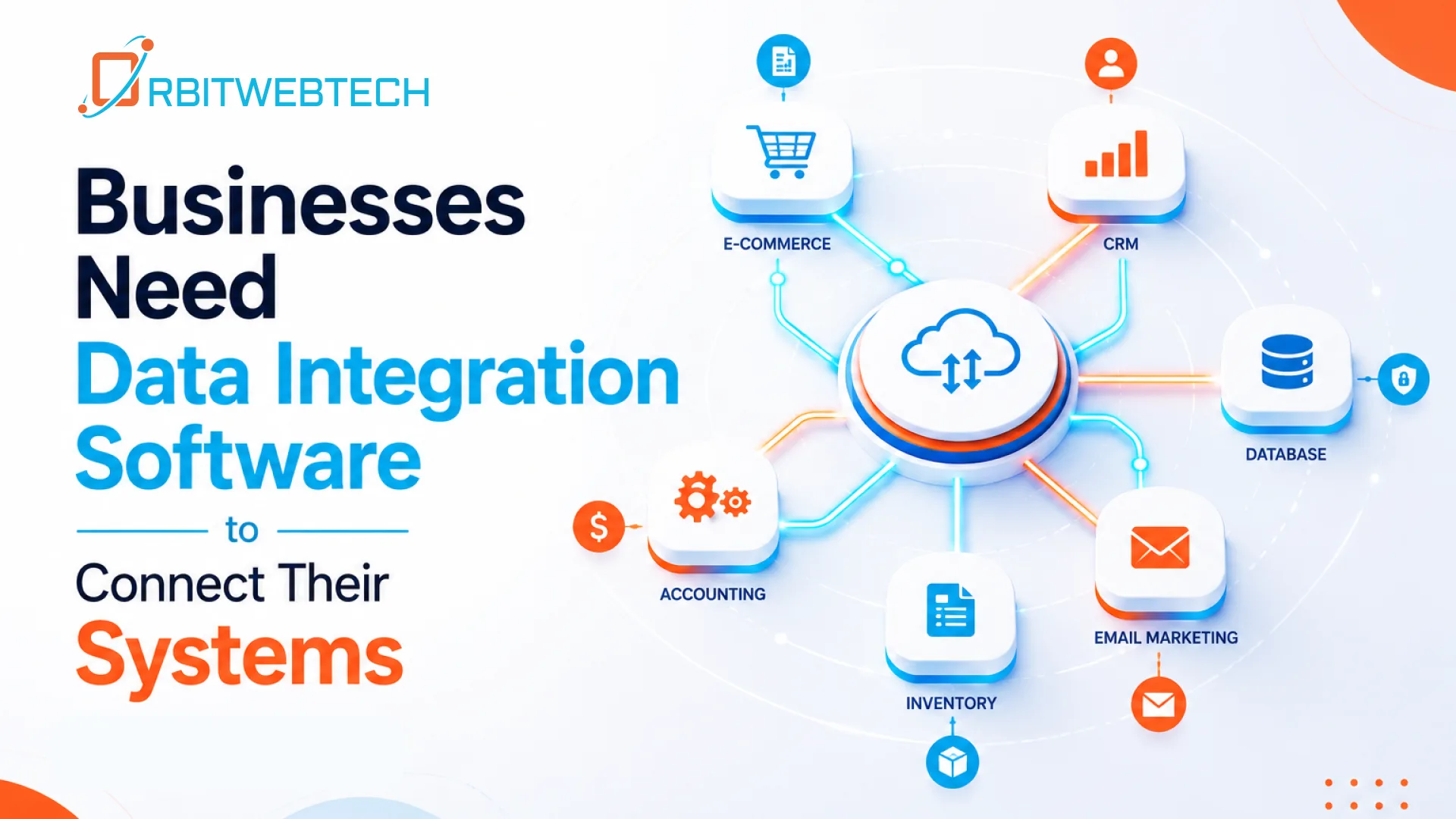
Managing data across multiple business systems can become difficult when each application works independently. Customer information may sit in a CRM, orders in an eCommerce platform, financial records in accounting software, and operational data in separate internal applications. Integration software helps connect these systems so information can move between them accurately and efficiently.
Orbit Web Tech provides custom integration solutions that connect business applications, APIs, databases, cloud platforms, and internal systems. Instead of forcing your team to switch between disconnected tools or repeatedly enter the same information, we help create reliable connections around the way your business operates.
What Is Integration Software?
Integration software is technology that allows different applications and systems to communicate with each other. It transfers data between platforms, coordinates processes, and helps businesses keep information synchronized.
For example, when a customer places an order, an integration can automatically send the order information from an eCommerce platform to an inventory system, CRM, accounting application, and fulfillment workflow.
This reduces manual data entry and helps teams work with more consistent information.
Integration software can connect:
- CRM and customer management systems
- Accounting and financial software
- eCommerce platforms
- ERP systems
- Inventory and warehouse applications
- Payment gateways
- Marketing platforms
- HR and payroll systems
- Cloud applications
- Internal business applications
- Databases
- Third-party APIs
- Mobile and web applications
Why Businesses Need Software Integration
Businesses often add new applications as they grow. A CRM may be introduced for sales, an accounting platform for finance, an inventory system for operations, and additional tools for customer communication.
The problem starts when these systems cannot communicate with each other.
Employees may need to:
- Copy information from one application to another
- Export and import spreadsheets
- Check several systems for the same customer
- Update records manually
- Reconcile information between platforms
- Monitor repetitive processes
These tasks take time and can introduce errors.
With the right business integration software, information can move automatically between connected systems while your team focuses on work that requires human judgment.
Our Integration Software Services
Orbit Web Tech develops integration solutions based on your existing applications, workflows, and business requirements. We can work with both standard platforms and custom-built software.
API Integration
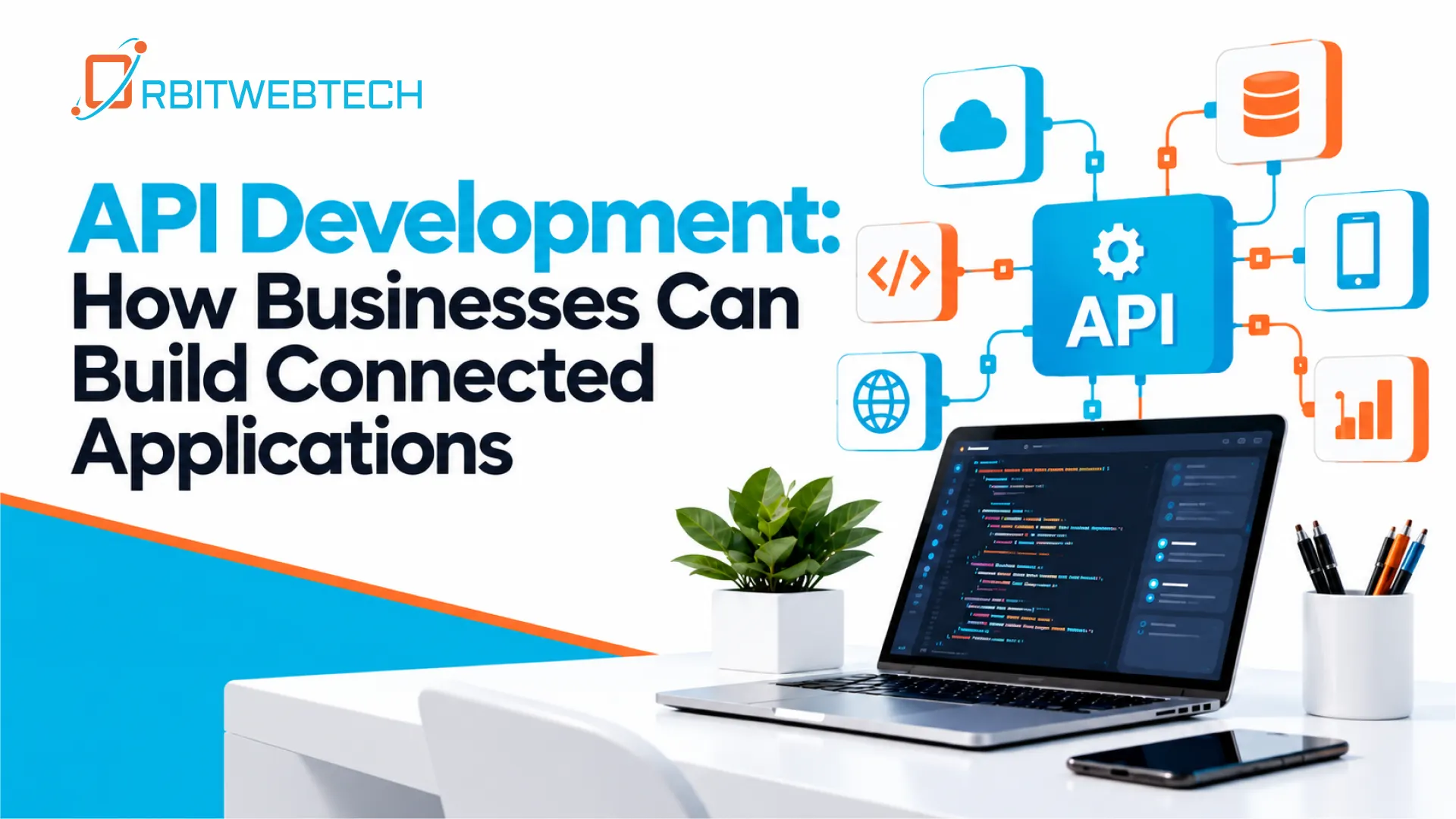
APIs allow applications to exchange information securely. We can connect your systems through REST APIs, third-party APIs, webhooks, and other integration methods.
API integration can be used to connect:
- CRM platforms
- Payment systems
- eCommerce stores
- SaaS applications
- Internal applications
- Customer portals
- Mobile applications
Cloud Application Integration
If your business uses several cloud-based applications, integration can help keep information synchronized across those platforms.
For example, customer information entered into one cloud application can automatically be transferred to another system without requiring an employee to enter it again.
Database Integration
Businesses often store information across different databases and applications. We can build connections that allow systems to exchange required data while maintaining appropriate access controls.
Database integration can support:
- Customer data synchronization
- Product information
- Inventory records
- Order data
- Reporting
- Internal applications
ERP and CRM Integration
Connecting ERP and CRM systems can give sales, finance, operations, and customer service teams access to more consistent information.
For example, a CRM can receive order or customer information from an ERP system, while sales information can be made available to other business applications.
- eCommerce Integration
Online stores frequently depend on multiple systems for orders, payments, inventory, shipping, and customer management.
We can connect your eCommerce platform with other business applications to automate processes such as:
Customer places order → Order system receives data → Inventory updates → Payment is recorded → CRM is updated → Fulfillment begins
The exact workflow depends on your business and the systems you already use.
Custom Integration Software Development
Off-the-shelf connectors do not always cover complex business requirements. If your systems have custom functionality, a standard integration may not be enough.
Orbit Web Tech can develop custom integration software around your specific workflows.
We can build solutions that:
- Connect legacy and modern applications
- Synchronize data between multiple systems
- Transform data between different formats
- Process information through APIs
- Trigger actions based on business events
- Connect custom applications with third-party platforms
- Create centralized integration workflows
Integration Through APIs and Webhooks
Modern applications commonly use APIs and webhooks to exchange information.
An API allows one system to request or send information to another system. A webhook can notify another application when a specific event occurs.
For example:
New customer registered → Webhook triggered → Integration receives customer data → CRM record created → Welcome workflow started
This type of event-based integration can reduce unnecessary manual work and help applications respond to business events more quickly.
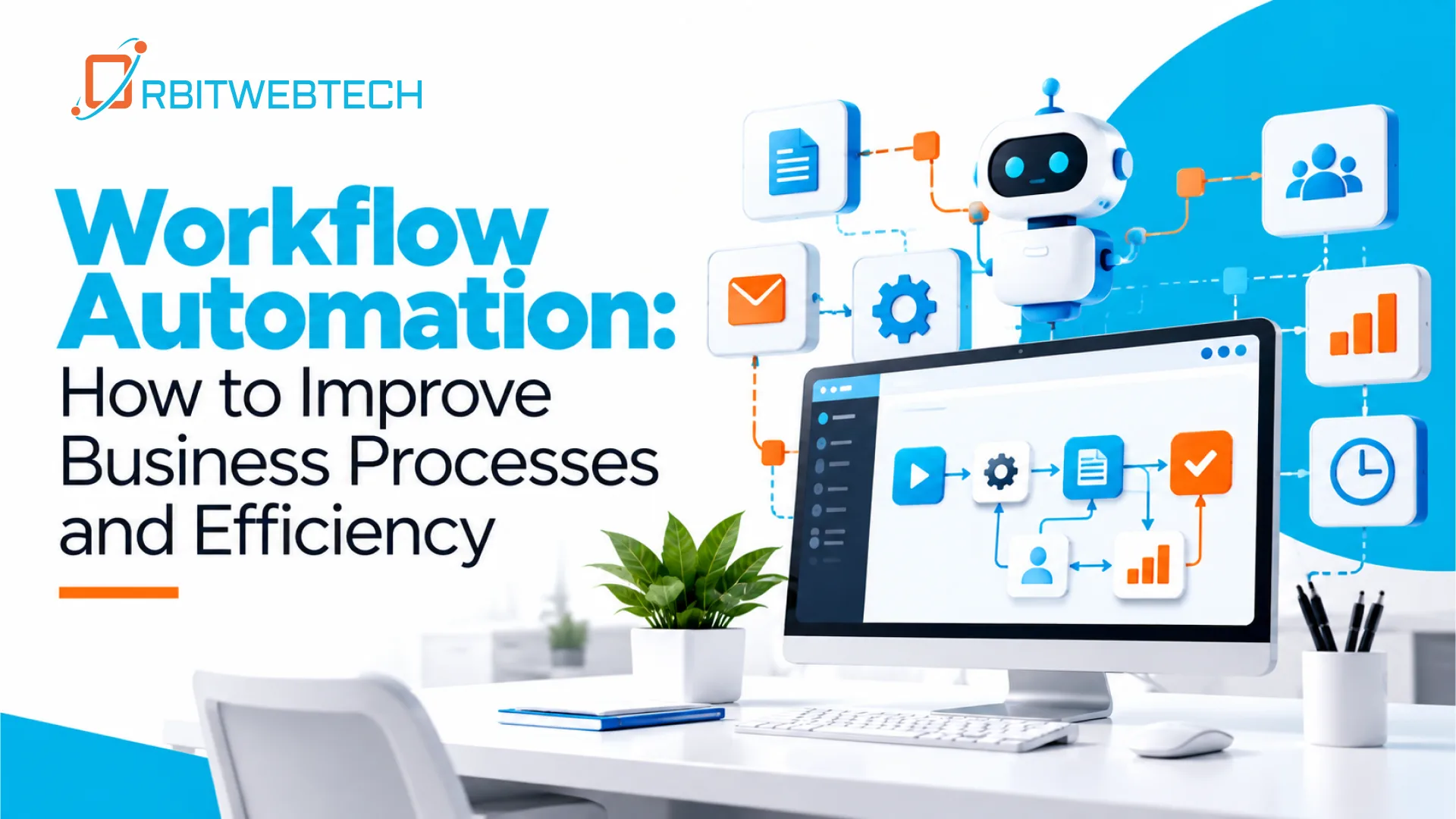
Integration Automation With Zapier, Make, and n8n
Not every integration requires a completely custom application.
For suitable workflows, we can use automation platforms such as:
- Zapier for connecting common business applications
- Make for more flexible multi-step workflows
- n8n for customizable and self-hosted automation workflows
These platforms can be useful for connecting applications, moving data, triggering notifications, and automating repetitive processes.
For more advanced requirements, custom development can be combined with automation tools.
How Integration Software Improves Business Operations
Reduces Repetitive Data Entry
Employees do not need to repeatedly copy the same information between applications when systems can exchange the required data automatically.
Helps Reduce Data Errors
Manual data entry can result in spelling mistakes, incorrect values, duplicate records, or missing information. Automated data transfer can reduce these common problems.
- Creates More Consistent Information
When multiple systems share information automatically, teams are less likely to work with outdated records.
- Connects Existing Software
Integration does not always mean replacing your current systems. In many cases, existing applications can be connected so they work together more effectively.
- Supports Business Growth
As a company adds applications, locations, customers, and processes, a well-planned integration structure can make it easier to manage the growing technology environment.
Integration Software for Different Business Needs
- Small and Growing Businesses
Smaller companies may need simple connections between CRM, accounting, email marketing, payment, and eCommerce platforms.
- Mid-Sized Businesses
Growing businesses often need more complex workflows connecting sales, operations, finance, customer service, and inventory systems.
- Enterprise Businesses
Larger organizations may have many applications, databases, legacy systems, and cloud services. They may require API management, data synchronization, custom middleware, monitoring, and controlled data flows.
The right integration approach depends on the number of systems, data volume, security requirements, and business processes involved.
Our Approach to Software Integration
We start by understanding how your systems currently work rather than immediately selecting a technology.
1. Understand Your Systems
We identify the applications, databases, APIs, and internal tools that need to communicate.
2. Map Your Data
We determine what information needs to move between systems, where it originates, and where it needs to go.
3. Identify Integration Requirements
We review authentication, data formats, API limitations, synchronization frequency, error handling, and security requirements.
4. Design the Integration
We create an integration architecture that fits your existing technology environment and business processes.
5. Develop and Connect
Our development team builds the required APIs, workflows, connectors, or custom integration components.
6. Test Data Flows
We test successful transactions as well as failures, duplicate requests, missing information, and other possible scenarios.
7. Monitor and Improve
After deployment, integration workflows should be monitored so problems can be identified and resolved before they affect important business processes.
Why Choose Orbit Web Tech for Integration Software?
Orbit Web Tech works across web development, application development, APIs, automation, and digital solutions. This allows us to look at integration as part of your wider technology environment rather than treating each connection as an isolated task.
Our team can help when you need to:
- Connect several business applications
- Integrate third-party APIs
- Synchronize business data
- Modernize older applications
- Automate repetitive workflows
- Connect cloud and internal systems
- Build custom integration components
- Extend existing software
Build a Connected Business System
Your business should not have to depend on employees manually moving information between applications.
The right integration software can connect your CRM, ERP, accounting, eCommerce, databases, APIs, and other business systems into a more coordinated environment.
Orbit Web Tech can assess your current technology stack and develop an integration approach based on your actual workflows, systems, and goals.