Introduction
Businesses increasingly rely on software to manage customers, employees, operations, payments, reporting, and communication. As these systems grow, traditional applications can become difficult to maintain, scale, and integrate with other tools.
Cloud application development provides an approach that allows businesses to build applications that can run on cloud infrastructure while supporting changing business requirements. Instead of depending entirely on software installed on individual computers or a single physical server, cloud applications can use cloud-based infrastructure, databases, APIs, and services.
For businesses considering a new application or modernizing an existing system, understanding how cloud application development works can make technology decisions easier.
What Is Cloud Application Development?
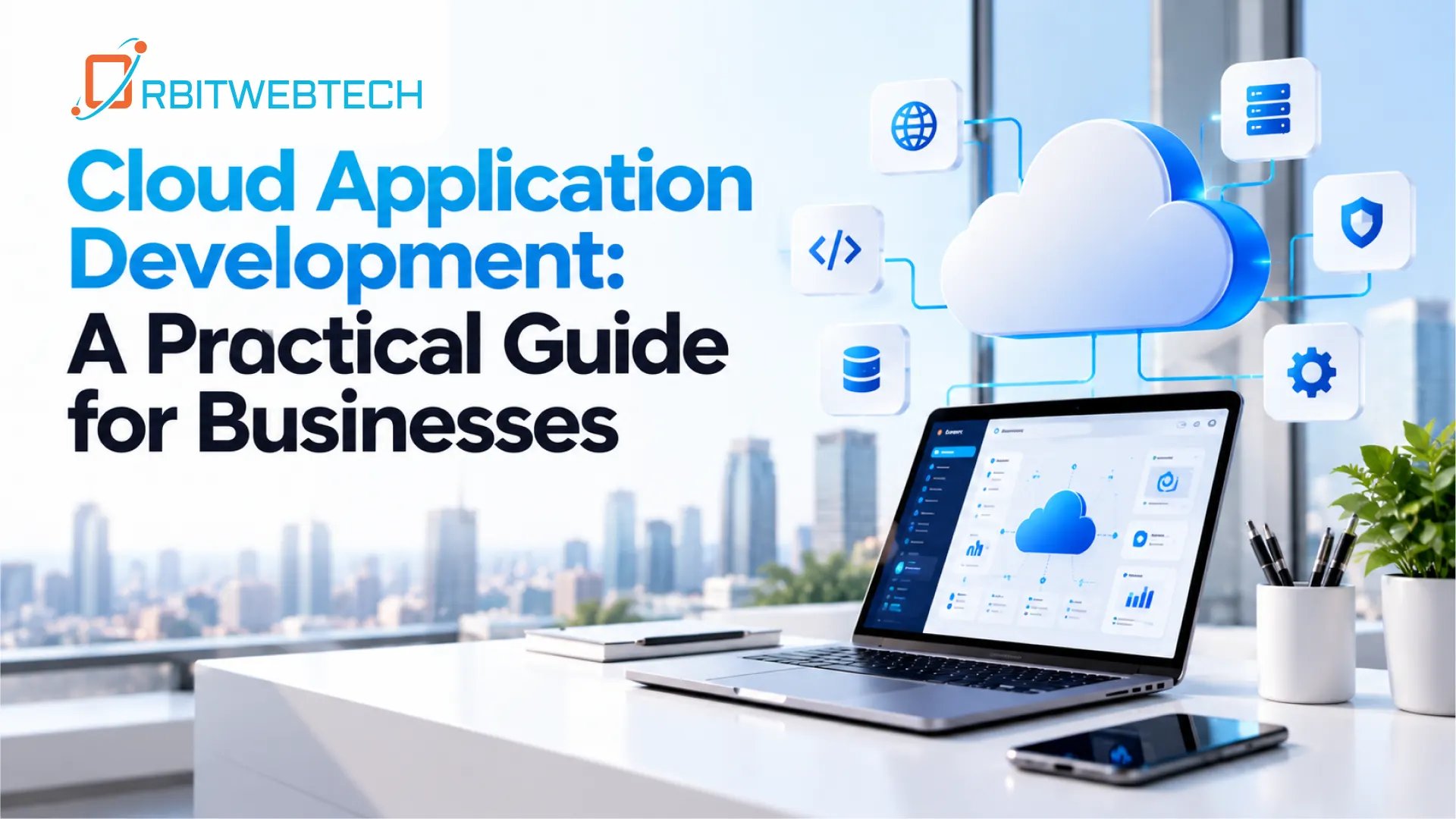
Cloud application development is the process of designing, developing, testing, deploying, and maintaining applications using cloud infrastructure and services.
A cloud application may use cloud-hosted servers, databases, storage, authentication systems, APIs, monitoring tools, and other services. The exact architecture depends on the application’s purpose and the business requirements.
For example, a business may develop a cloud application to:
- Manage customer information
- Track orders and business processes
- Automate repetitive tasks
- Connect multiple software systems
- Manage documents and files
- Provide customer portals
- Generate reports and dashboards
- Support employees working from different locations
The goal is not simply to move an existing application to the cloud. A well-planned cloud application should be designed around how the business actually operates.
Why Businesses Use Cloud Applications
Cloud applications can provide practical benefits when they are designed and implemented correctly.
- Easier Access
Employees can access a cloud-based application through supported devices and internet connections without depending on a particular office computer.
This can be useful for businesses with multiple locations, remote employees, field teams, or customers who need access to selected parts of an application.
- Flexible Resource Management
Business requirements can change over time. An application may have relatively low usage during one period and significantly higher usage during another.
Cloud infrastructure can provide options for adjusting computing resources according to application requirements rather than relying only on fixed physical infrastructure.
- Centralized Data
Cloud applications can provide a central environment for storing and managing business information.
For example, sales teams, customer support staff, managers, and administrators can work with the same application while receiving access according to their roles.
- Easier Software Updates
A cloud application can be updated centrally instead of requiring every user to install a new version manually.
This can simplify the management of application improvements, security fixes, and new functionality.
Cloud Application Development vs. Traditional Application Development
Traditional applications are often designed around fixed infrastructure, local installations, or dedicated servers. Cloud application development takes a different approach by considering cloud infrastructure as part of the application’s architecture.
The difference is not simply where the application is hosted.
Cloud development also involves decisions about:
- Application architecture
- Database design
- APIs and integrations
- Authentication
- Data storage
- Security controls
- Monitoring
- Deployment
- Backup and recovery
- Performance
- Infrastructure management
For businesses, the right approach depends on the application’s requirements rather than choosing cloud technology simply because it is popular.
Key Components of Cloud Application Development
A reliable cloud application normally consists of several interconnected components.
- Application Layer
This is the part users interact with. It may be a web application, mobile application, customer portal, administrative dashboard, or another interface.
The application should be designed around real user workflows rather than adding unnecessary features.
- Cloud Infrastructure
Cloud infrastructure provides the computing resources required to run the application.
Depending on the project, this may include virtual machines, containers, serverless services, storage, networking, and other cloud resources.
- Database
The database stores application information such as customer records, transactions, products, appointments, documents, or operational data.
Database selection should consider factors such as data structure, application workload, security, performance, and future requirements.
- APIs
API development allows different applications and services to communicate with one another.
For example, a business application might connect with:
- Payment systems
- CRM platforms
- Accounting software
- Email services
- Shipping platforms
- Authentication providers
- Internal business systems
Well-designed APIs can reduce manual data entry and help different systems work together.
Authentication and Access Control
Cloud applications often serve multiple users with different responsibilities.
Authentication verifies a user’s identity, while authorization determines what that user can access.
A system may provide separate permissions for administrators, employees, managers, customers, and other user types.
The Cloud Application Development Process
A structured development process helps businesses avoid unnecessary development costs and functionality that does not solve a real problem.
1. Understand the Business Requirement
Development should begin by identifying the business problem.
Questions may include:
- What process needs improvement?
- Who will use the application?
- What information needs to be stored?
- Which existing systems need integration?
- What tasks are currently manual?
- What problems do employees or customers experience?
Clear requirements provide a foundation for technical decisions.
2. Plan the Application Architecture
The next step is determining how the application will work.
This includes decisions about the frontend, backend, database, APIs, authentication, cloud infrastructure, and integrations.
The architecture should support current requirements without making future maintenance unnecessarily difficult.
3. Design the User Experience
Users should be able to understand the application without extensive training.
Interfaces should prioritize clear navigation, logical workflows, readable information, and appropriate actions.
For business applications, usability is particularly important because employees may use the same system every day.
4. Develop the Application
Developers then build the application according to the approved requirements and architecture.
Development may include:
- Frontend development
- Backend development
- Database development
- API development
- User authentication
- Third-party integrations
- Administrative functionality
- Reporting features
5. Test the Application
Testing helps identify problems before users depend on the application.
Testing can cover functionality, security, performance, integrations, user permissions, responsive behavior, and error handling.
6. Deploy to the Cloud
After testing, the application can be deployed to the selected cloud environment.
Deployment should include appropriate configuration for security, databases, monitoring, backups, and application performance.
7. Monitor and Maintain
Development does not end when the application goes live.
Applications require ongoing maintenance, security updates, performance monitoring, bug fixes, backups, and improvements based on changing business requirements.
Cloud Migration Services for Existing Applications
Not every business needs to build a new application from the beginning.
An existing application may be moved to cloud infrastructure through a cloud migration project.
Before migration, businesses should evaluate:
- Existing application architecture
- Database structure
- Server dependencies
- Third-party integrations
- Security requirements
- Data volume
- Application performance
- Business-critical functions
Depending on the application, migration may involve moving the existing system with limited changes or redesigning parts of it to work more effectively in a cloud environment.
A careful migration plan can help reduce disruption and protect important business data.
Cloud-Native Application Development
Cloud-native applications are designed specifically to take advantage of cloud infrastructure rather than simply moving an existing application to a cloud server.
Cloud-native development may use technologies such as containers, microservices, managed cloud services, and automated deployment processes.
However, not every business application needs a complex cloud-native architecture.
The architecture should match the application’s actual requirements. A simpler system can sometimes be easier to develop, maintain, and operate.
Integrating Cloud Applications With Existing Systems
Businesses rarely operate with a single software system.
A new application may need to exchange information with existing platforms. This is where integration and API development become important.
For example, an application could connect customer information from a CRM with order information from an internal system.
Instead of employees manually transferring information between platforms, APIs can allow systems to exchange data based on defined rules.
This can help reduce repetitive work and improve consistency across business processes.
Cloud Applications and Workflow Automation
Many businesses still rely on spreadsheets, emails, manual approvals, and repetitive data entry.
Cloud applications can be designed to support workflow automation.
For example, an automated workflow might:
- Receive a new customer request.
- Create a customer record.
- Notify the appropriate employee.
- Assign a task.
- Update the request status.
- Send a confirmation to the customer.
- Store the activity for future reporting.
Automation should be applied where it provides a clear operational benefit. Not every process needs to be automated.
Security Considerations
Security should be considered throughout cloud application development rather than added after development is complete.
Important areas include:
- Secure authentication
- Role-based access control
- Data encryption
- Secure API communication
- Input validation
- Database security
- Regular backups
- Logging and monitoring
- Dependency and software updates
- Secure cloud configuration
Businesses should also determine which users need access to specific information and limit permissions accordingly.
How to Choose a Cloud Application Development Partner
When selecting a development company, businesses should look beyond programming languages and technology lists.
Consider whether the development team can:
- Understand your business process
- Define clear technical requirements
- Design an appropriate application architecture
- Build secure APIs and integrations
- Work with existing software
- Plan cloud deployment
- Test applications properly
- Provide ongoing maintenance
- Explain technical decisions clearly
A development partner should connect technical decisions to practical business requirements.
When Should a Business Consider Cloud Application Development?
Cloud application development may be worth considering when:
- Existing software is difficult to maintain.
- Employees depend heavily on spreadsheets.
- Different systems do not communicate with each other.
- Customers need online access to services.
- The business operates across multiple locations.
- Manual processes are consuming employee time.
- An existing application needs modernization.
- The business needs a centralized operations platform.
The right solution depends on the business problem, existing technology, budget, and long-term requirements.
Build a Cloud Application Around Your Business
Cloud technology is only one part of an application project. The more important question is how the software will solve a real business problem.
At Orbit Web Tech, we help businesses plan and develop applications around their operational requirements. Our work can include cloud application development, API development, cloud migration services, custom web application development, and workflow automation.
Whether you are starting a new application or modernizing an existing system, the first step is understanding your current workflow, technical requirements, and business goals.
A practical cloud application should make work easier to manage, connect the systems you already use, and provide a foundation that can adapt as your business changes.